
NeverMissAnotherCustomerCall
Jawib answers your phone, remembers every detail, and keeps your whole team free to do real work.

The Real Problem
Every missed call, long wait, and forgotten detail is a customer walking away.

Missed calls become lost customers

Long waits lead to frustration

The same questions get asked all day

Important details get forgotten after the call ends

Meet Jawib
A friendly helper that picks up your calls, listens closely, and remembers everything your customers tell it.
Jawib is a smart phone assistant for your business, always ready, always polite, always paying attention.


One Agent,
Both Directions
The agent you configure once handles the calls that come to you and the calls you need to make. Same knowledge, same tools, same transcript trail — you only choose which number it uses.

What It
Helps
What actually happens on a call — the knowledge it reads from, the systems it touches, the list it works through, and the receipt it leaves behind.
Answers your facts word for word
Hours, prices, refund rules — anything with one correct answer goes in as a question and answer pair, and is read back verbatim before the model is allowed to improvise.
Calls your systems mid-conversation
Each tool is one HTTP endpoint the agent may hit while it is still talking: check stock, book a slot, raise a ticket. A tool stays switched off until a live call against it has succeeded.
Follows a script when order matters
Left alone, the agent improvises from its description, its knowledge and its tools. Add a flow when qualification, verification or payment has to happen in a fixed sequence.
Works a contact list on your schedule
A campaign runs a CSV through your agent inside a timezone, a calling window and a set of weekdays, with a cap on calls at once, attempts per contact and how long to wait before retrying.
Hands over with the context attached
When a call goes past what the agent handles, it passes over cleanly — and whoever picks it up already has the transcript of everything said so far.
Shows what each call cost
Calls, chats and automation runs draw down credits. Every call record carries its duration and the credits it consumed, so the bill is auditable line by line.
What ItDoes
Four things live in one workspace: the agent you configure, the phone line it answers on, the outbound list it works through, and the record of every call it took.
Build the agent
Name it, describe the business, set your industry, hours and address. Then pick the speech, language and voice models it runs on — or take the bundle and never think about it again.
Give it a phone line
Attach a workspace phone number, an office SIP or PBX extension, or your own SIP trunk. The same agent takes calls in and places calls out.
Run the calling list
Upload contacts, choose a caller ID, set the timezone, calling window, weekdays, calls at once, attempts per contact and retry delay. Nothing dials until you press Start.
Read back every call
Direction, status, from and to, agent, provider, duration, credits used and the full turn-by-turn transcript — on every call, from the first one.
What It Automates
One agent, every surface it runs on: the flows it follows, the systems it calls, and the channels it answers from.
Visual Flow Editor
Design multi-step conversation logic on a drag-and-drop canvas — branches, conditions and tool calls, no code required.
Text Automation
Run scheduled and webhook-triggered workflows that read your data, act on it, and message out — on a timer or the moment an event fires.
Integrations
Connect Gmail, Slack, Sheets, Airtable and any REST API with stored credentials, so the agent can act on your systems mid-conversation.
Voice Agent
Natural real-time speech with barge-in and live tool calling, running straight in the browser.
Chat Agent
Embed a streaming chat widget on any website with a single line of code — same agent, same knowledge, same tools.
Phone Calls
Answer real phone numbers with the same agent, or work an outbound calling list on a schedule.
Getting Started
Four steps, no code. Industry, hours and address go in a short form; your hours, prices and policies go in as question-and-answer pairs; the phone line is a dropdown. Everything after that is tuning.
Step 1
Name the agent and describe the business

Step 2
Add the answers it has to get right
Step 3
Point a number or SIP trunk at it
Step 4
Take the first call, then read the transcript
Always In Control
Nothing happens outside the boundaries you set. If a call gets complicated, Jawib hands it over smoothly, with every detail already saved.
Pricing
Pick the plan that fits your business, and grow into a bigger one whenever you're ready.
Jawib In Action
Six things that happen on an ordinary Tuesday, and what the agent does with each one.

A caller asks what your refund policy is
Read back word for word

They want to know if the part is in stock
Your endpoint, called mid-call
The support line rings at 2am
Picked up, not voicemail
Yesterday’s enquiries all need calling back
One CSV, one campaign
The conversation goes past what the agent handles
Handed over, context intact
Someone asks what was actually said on that call
Transcript, duration, credits
Frequently askedquestions
A place to build voice agents and put them on a phone line. You describe the business, give the agent the answers it must get right, connect a number, and it starts taking calls — and placing them.
No. Creating an agent is a form: name, description, industry, opening hours, address. Knowledge goes in as question-and-answer pairs. Choosing which speech, language and voice models it runs on is one dropdown of named bundles — pinning individual models is there if you want it, tucked behind a disclosure.
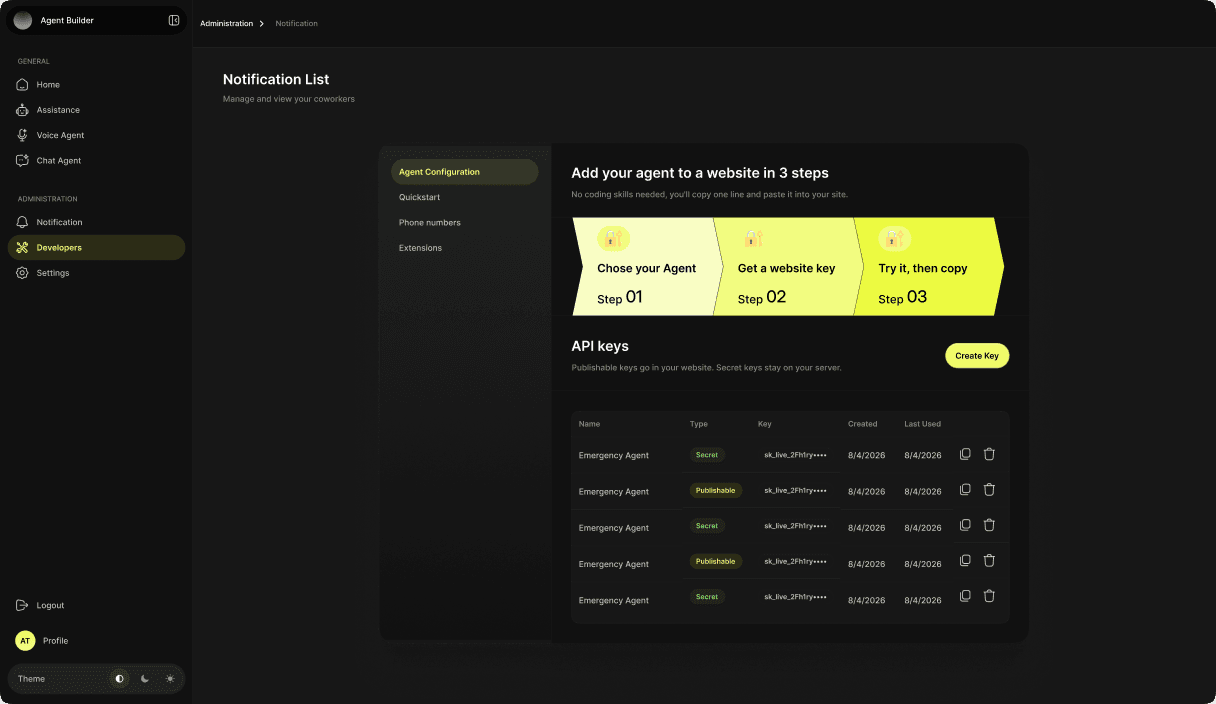
Yes, two ways. Tools let the agent call one of your HTTP endpoints while it is still talking — checking stock, booking a slot, raising a ticket — and a tool stays disabled until a live test call against it succeeds. For anything else there is a REST API and API keys under Developers.
A phone number from your workspace, an office SIP or PBX extension, or your own SIP trunk. Inbound and outbound both run over whichever you attach, and outbound campaigns pick their caller ID from the numbers you have connected.
You create a campaign, pick the agent and the caller ID, upload a contact list, and set a timezone, a calling window, which weekdays are allowed, how many calls run at once, attempts per contact and how long to wait before retrying. It starts as a draft — nothing dials until you press Start.
Calls, chats and automation runs draw down credits. Your plan gives an allowance each billing period, top-ups you buy never expire, and every call record shows its duration and the credits it consumed.
Every call is recorded in call history with direction, status, the numbers on both ends, the agent, the provider, duration, credits and the full turn-by-turn transcript.
Join the Jawib waitlist.
Tell us what you want to automate. We will use your answers to understand your workflow and contact you about early access.
- Early access updates
- A setup shaped around your workflow
- A direct line to the Jawib team